Native Speed
Written in Rust, matching GNU ls speed even with complex icon rendering and colorization.
A modern, blazing-fast ls replacement with beautiful file icons, git integration, and tree view.
And a lot more that you didn't know you needed.
Written in Rust, matching GNU ls speed even with complex icon rendering and colorization.
500+ file-type icons using Nerd Fonts for instant visual recognition of any file.
Visualize directory structure with --tree, no extra tools required.
See file status (staged, modified, untracked) inline with --git in any view mode.
Supports all standard flags: -l, -a, -R, -h, -t, -S, and 30+ more.
Single static binary (~935 KB). No runtime dependencies, no Python or Bash required.
A modern terminal experience out of the box.
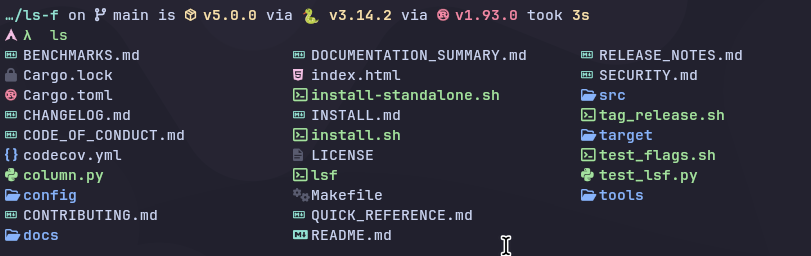
Choose the method that works best for your environment.
Recommended — install from crates.io.
cargo install lsf
Clone and build locally.
git clone https://github.com/swadhinbiswas/ls-f.git
cd ls-f
cargo install --path .
Need more help? Check the Full Installation Guide.